Every business leader wants the same thing: more productivity, lower operational costs, and faster growth. Yet many organizations continue to rely on manual processes, spreadsheets, email chains, and repetitive administrative tasks that consume valuable employee time every day.
Whether it’s approving invoices, onboarding employees, processing customer requests, generating reports, managing support tickets, or updating CRM records, these repetitive activities silently drain productivity and increase operational expenses.
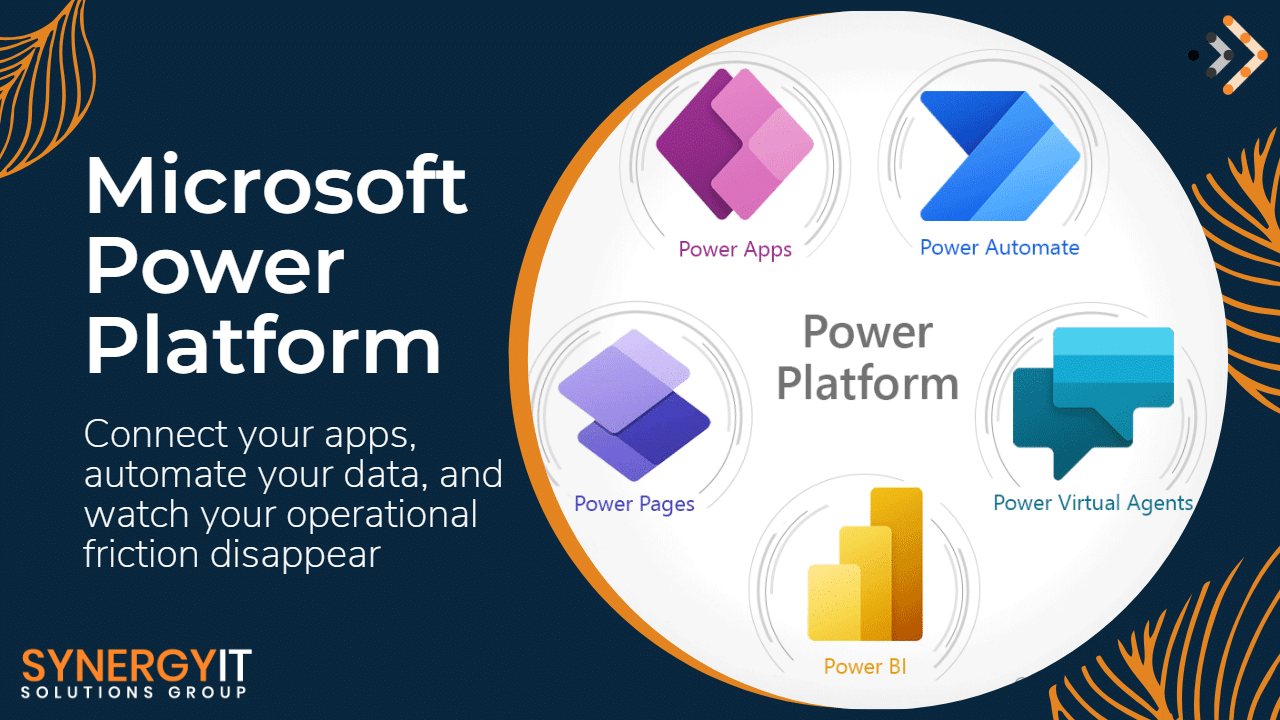
The good news is that businesses no longer need expensive custom software development to automate workflows. Microsoft Power Automate empowers organizations to automate routine business processes, connect applications, eliminate manual data entry, and create intelligent workflows without complex coding.
Businesses that embrace automation are not simply saving time—they are creating a more agile, efficient, and scalable organization capable of responding faster to customers, reducing errors, and driving growth.
In this guide, we’ll explore how Power Automate transforms business operations, where it delivers the greatest value, and why organizations across industries are making workflow automation a strategic priority.
Why Manual Processes Are Costing Your Business More Than You Think
Many organizations underestimate the true cost of manual work.
Employees spend hours every week copying information between systems, sending follow-up emails, updating spreadsheets, generating reports, and chasing approvals. While each task may seem small, the cumulative impact can be substantial.
Manual processes often lead to:
- Increased labor costs
- Human errors and data inconsistencies
- Delayed approvals and decisions
- Poor customer experiences
- Reduced employee productivity
- Compliance and audit challenges
- Missed business opportunities
When employees are occupied with repetitive administrative work, they have less time to focus on strategic initiatives, innovation, customer engagement, and revenue-generating activities.
Power Automate helps businesses reclaim thousands of productive hours annually by eliminating repetitive tasks and enabling teams to work smarter.
Discover Your Automation Opportunities
Are repetitive tasks slowing down your business growth? Our Power Automate specialists can identify workflow bottlenecks and uncover automation opportunities that deliver measurable ROI. Book a Free Automation Assessment.
What Is Microsoft Power Automate?
Microsoft Power Automate is a cloud-based automation platform that enables businesses to automate workflows across applications, services, and systems.
It allows organizations to create automated processes that trigger actions based on specific events, conditions, or business rules.
For example:
- Automatically create support tickets from incoming emails
- Send approval requests for invoices
- Generate reports and distribute them automatically
- Sync customer data between systems
- Notify teams when critical actions are required
- Automate document processing and routing
Power Automate integrates seamlessly with Microsoft 365, SharePoint, Teams, Outlook, Dynamics 365, Azure, Salesforce, ServiceNow, SAP, and hundreds of other business applications.
This means organizations can automate workflows across their entire technology ecosystem without replacing existing systems.
Modernize Your Workflows
Turn disconnected systems into intelligent business processes. Our experts help businesses design, implement, and optimize Power Automate solutions tailored to their unique operational needs. Speak with a Power Automate Consultant Today.
How Power Automate Reduces Operational Costs
Cost reduction is one of the most immediate benefits businesses experience after implementing automation. When repetitive tasks become automated, organizations reduce the amount of time employees spend on administrative work.
Instead of hiring additional staff to manage increasing workloads, businesses can scale operations through automation.
Common cost-saving areas include:
Administrative Operations
Automate approvals, notifications, document routing, and data entry tasks.
Finance and Accounting
Automate invoice approvals, expense processing, payment notifications, and reporting.
Human Resources
Streamline employee onboarding, offboarding, leave requests, and compliance documentation.
Customer Service
Automate ticket creation, escalation workflows, customer communications, and follow-ups.
Sales Operations
Automate lead management, CRM updates, proposal approvals, and opportunity tracking.
The result is a leaner operation with lower costs and higher productivity.
Reduce Operational Expenses Faster
Find out how much your organization could save by automating repetitive workflows. Our automation experts can identify high-impact opportunities that generate immediate business value. Schedule Your Free Cost-Savings Consultation.
Improve Employee Productivity and Job Satisfaction
One of the biggest misconceptions about automation is that it replaces employees.
In reality, successful automation empowers employees by removing tedious, repetitive tasks and allowing them to focus on higher-value work.
Employees can spend more time:
- Solving customer challenges
- Driving innovation
- Building business relationships
- Developing strategic initiatives
- Supporting business growth
When teams are freed from manual administrative work, job satisfaction often improves significantly.
Employees become more engaged because they spend less time performing repetitive tasks and more time contributing meaningful value to the organization.
This creates a more productive workforce while improving retention and employee experience.
Empower Your Workforce
Help your teams focus on meaningful work instead of repetitive tasks. Learn how Power Automate can transform employee productivity across your organization. Request a Productivity Transformation Assessment.
Eliminate Human Errors and Improve Accuracy
Manual processes inevitably introduce errors.
A simple data entry mistake can lead to financial discrepancies, customer dissatisfaction, compliance issues, or operational delays.
Power Automate reduces risk by ensuring workflows follow predefined business rules consistently every time.
Automation helps organizations:
- Improve data accuracy
- Reduce duplicate records
- Eliminate missed approvals
- Ensure compliance requirements are followed
- Standardize business processes
- Improve reporting reliability
By minimizing human intervention in repetitive processes, businesses can significantly improve operational accuracy and reduce costly mistakes.
Improve Accuracy Across Operations
Protect your business from costly manual errors. Let our experts design automated workflows that improve consistency, compliance, and operational reliability. Contact for an Automation Strategy Session.
Accelerate Business Processes and Decision-Making
Speed matters in today’s competitive business environment.
Delays in approvals, reporting, customer service, and internal communication can impact revenue, customer satisfaction, and overall business performance.
Power Automate accelerates workflows by instantly triggering actions when predefined conditions are met.
Examples include:
- Automatic invoice approval routing
- Real-time customer notifications
- Instant alert generation
- Automated compliance reporting
- Immediate ticket escalation
- Automated contract review workflows
This enables faster decision-making and improved organizational agility.
Move Faster Than Your Competition
Automate slow processes and accelerate business outcomes. Discover how intelligent workflows can help your organization respond faster and operate more efficiently. Book Your Workflow Optimization Consultation.
Real-World Business Use Cases for Power Automate
Customer Service Automation
Automatically create tickets from emails, assign priorities, notify support teams, and escalate unresolved issues Improve response times and customer satisfaction with intelligent support automation. Talk to Our Automation Experts Today.
HR Onboarding Automation
Automatically provision accounts, assign training, generate documents, and notify stakeholders when new employees join. Create a seamless onboarding experience while reducing HR administrative workload. Request an HR Automation Assessment.
Finance Workflow Automation
Automate invoice approvals, payment reminders, financial reporting, and compliance tracking.
Reduce finance bottlenecks and improve operational efficiency. Schedule a Finance Automation Consultation.
Sales Process Automation
Automatically capture leads, update CRM records, assign sales opportunities, and trigger follow-up communications. Convert more prospects and improve sales productivity through intelligent automation. Book a Workflow Review.
Compliance and Document Management
Automate document approvals, retention policies, audit tracking, and compliance reporting. Strengthen governance and reduce compliance risks with automated workflows. Speak with Our Compliance Automation Specialists.
Power Automate + Microsoft 365: A Powerful Combination
Organizations already using Microsoft 365 have a significant advantage.
Power Automate integrates natively with:
- Microsoft Teams
- SharePoint
- Outlook
- Excel
- OneDrive
- Dynamics 365
- Microsoft Forms
- Power BI
This enables businesses to create intelligent workflows without investing in additional infrastructure.
For example:
A customer request submitted through Microsoft Forms can automatically trigger approval workflows in Teams, update SharePoint records, notify stakeholders via Outlook, and generate management dashboards in Power BI.
The entire process occurs automatically with minimal human intervention.
Maximize Your Microsoft 365 Investment
Unlock the full value of your Microsoft ecosystem through intelligent automation. Contact for a Microsoft Automation Roadmap.
Why Businesses Choose Synergy IT for Power Automate Services
Implementing automation successfully requires more than technology.
Businesses need a strategic partner that understands operational processes, business goals, security requirements, compliance obligations, and long-term scalability.
At Synergy IT, we help organizations:
- Identify automation opportunities
- Design intelligent workflows
- Integrate business systems
- Optimize Microsoft 365 environments
- Improve governance and security
- Measure automation ROI
- Scale automation initiatives across departments
Our experts focus on delivering automation solutions that create measurable business outcomes and long-term value.
Start Your Automation Journey
Ready to eliminate manual work, improve efficiency, and reduce costs?
Our Power Automate specialists can help you identify high-impact automation opportunities tailored to your business objectives.
Contact for a Free Power Automate Consultation and discover how automation can transform your business operations.
FAQs:
Is Microsoft Power Automate suitable for small businesses?
Yes. Power Automate helps small businesses automate repetitive tasks, improve productivity, reduce operational costs, and scale efficiently without significant IT investments.
Can Power Automate integrate with non-Microsoft applications?
Absolutely. Power Automate supports hundreds of connectors including Salesforce, ServiceNow, SAP, Dropbox, Google Workspace, Slack, and many other business applications.
How much can businesses save using Power Automate?
Savings vary by organization, but businesses commonly reduce manual processing time by 30–70%, resulting in significant labor and operational cost reductions.
Does Power Automate require coding knowledge?
No. Power Automate offers low-code and no-code capabilities, allowing users to build workflows with minimal technical expertise.
Is Power Automate secure?
Yes. Power Automate is built on Microsoft’s enterprise-grade cloud platform and includes security, governance, compliance, and access control capabilities.
Which departments benefit most from Power Automate?
HR, Finance, Sales, Operations, Customer Service, Procurement, Compliance, and IT departments often experience significant productivity improvements through automation.
Can Power Automate support AI-powered workflows?
Yes. Power Automate integrates with Microsoft AI technologies, enabling document processing, intelligent decision-making, sentiment analysis, and predictive automation.
